 CORE
COREEssential fundamentals
Layers, masks, selections, color, resolution and non-destructive methods.
Explore this path →From strong fundamentals to new artificial intelligence tools, learn practical methods for turning ideas into professional images for print and screen.
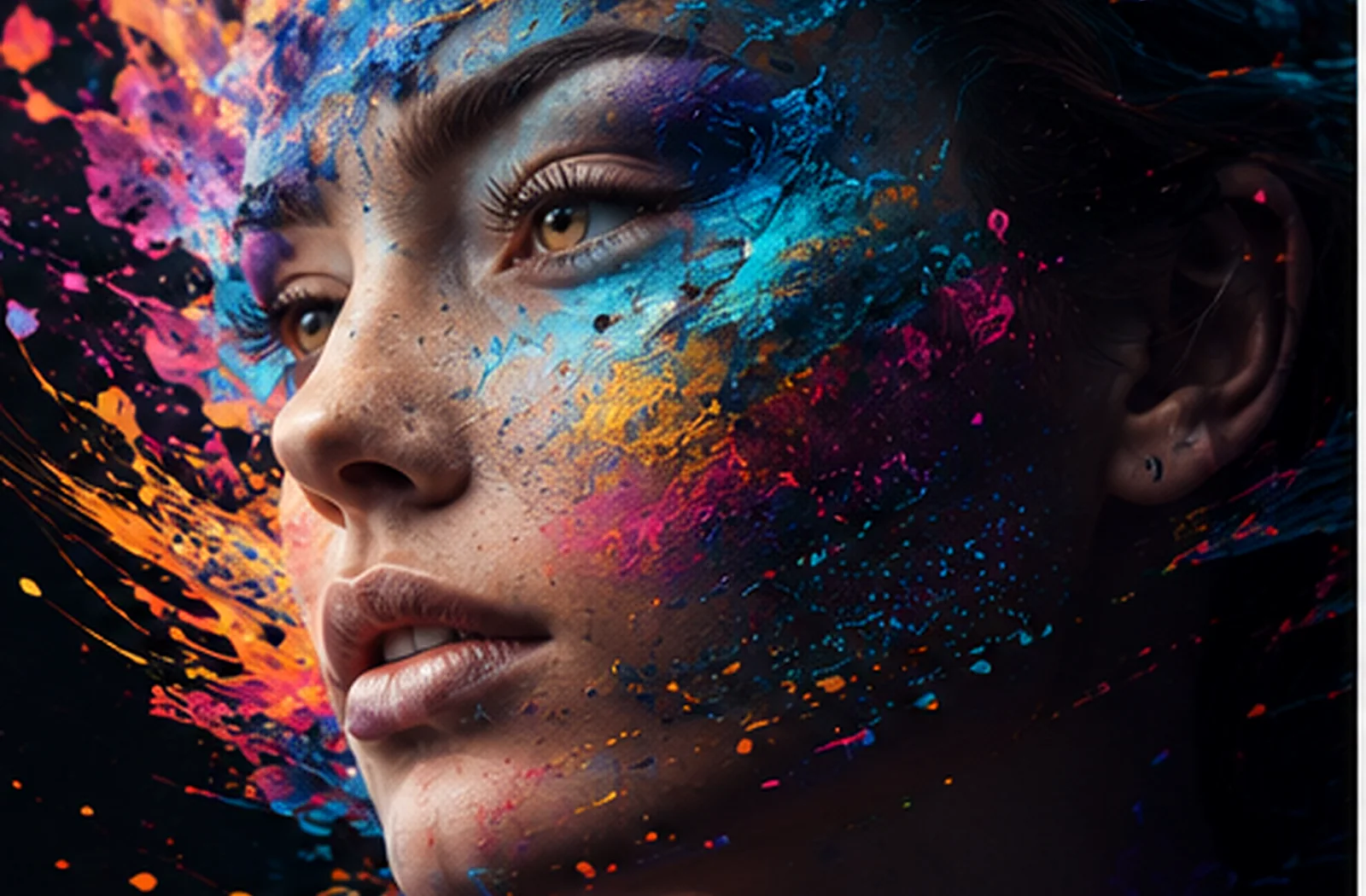
Each page explores a powerful Photoshop application with the skills, process and practical projects.
CORELayers, masks, selections, color, resolution and non-destructive methods.
Explore this path → AI
AIGenerate, expand, harmonize and enhance with critical judgment.
Explore this path →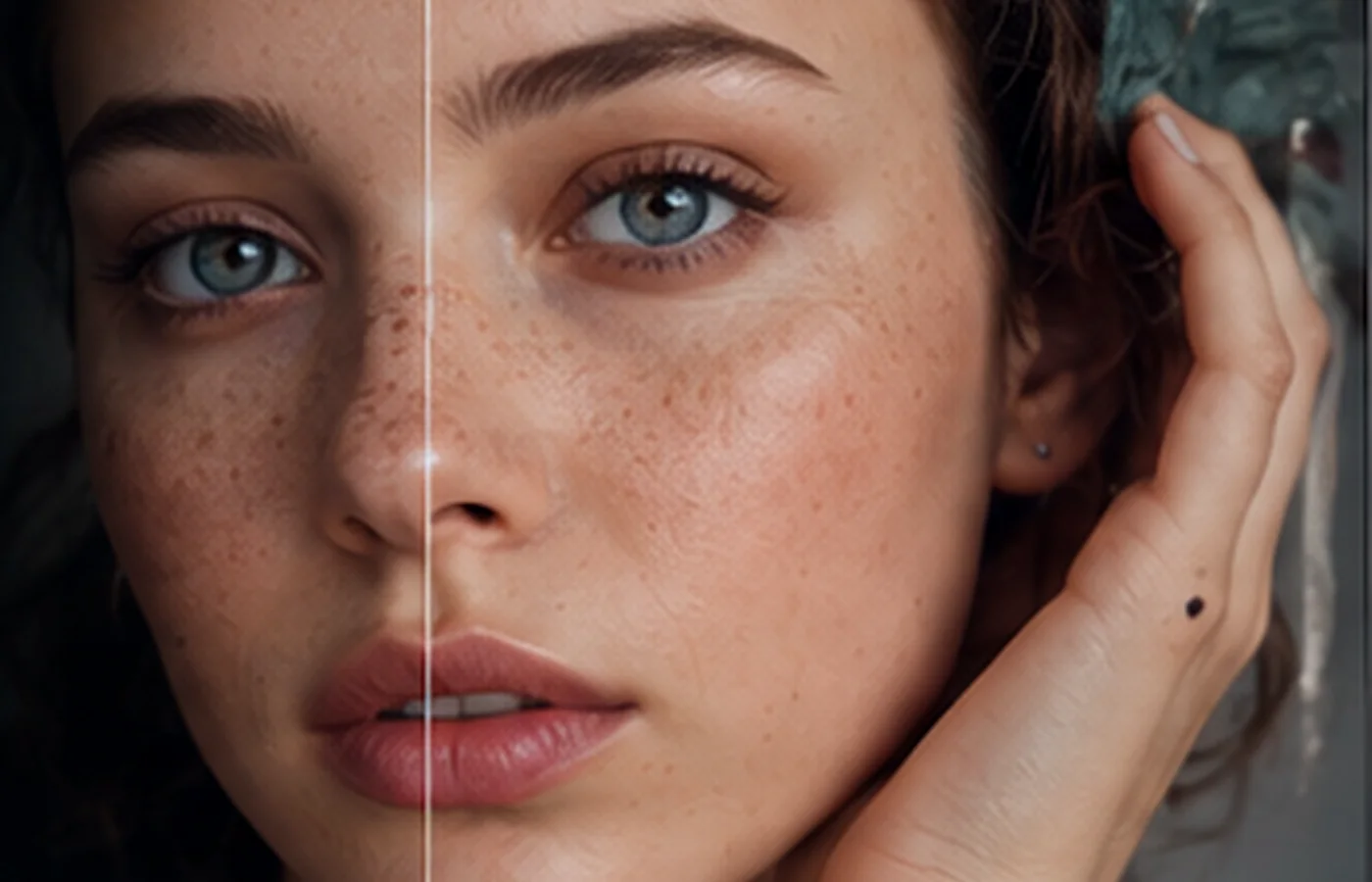 RAW
RAW CMYK
CMYK UI
UI FX
FXPrepare style frames and PSD files for Photoshop and After Effects.
Explore this path → ART
ARTPhotoshop connects photography, design, web, advertising, print and motion. The ability to prepare, correct and structure an image remains central even in AI-enhanced workflows.
Understand pixels, color, light and texture.
Build editable, organized files.
Adapt one idea to print, web, social and motion.
Progress through projects and quality control.
 GENERATIVE / CREATIVE / CONTROL
Generative Fill, Generative Expand, Generate Image, Harmonize and assisted enhancement open new possibilities. Training also shows how to select, mask, refine, verify and decide.
Yes. Every page has connected French and English versions.
Yes. Use the email button or call us to explain the audience, level and goals.
No. This is an independent training website. Adobe, Photoshop and After Effects are trademarks of their respective owners.
Email or call us to build a path for your audience.