Artboards and variants
Create multiple sizes and states in one organized file.
Photoshop remains a strong workshop for images, banners, visual mockups and interface assets. Protect impact while respecting performance and readability.
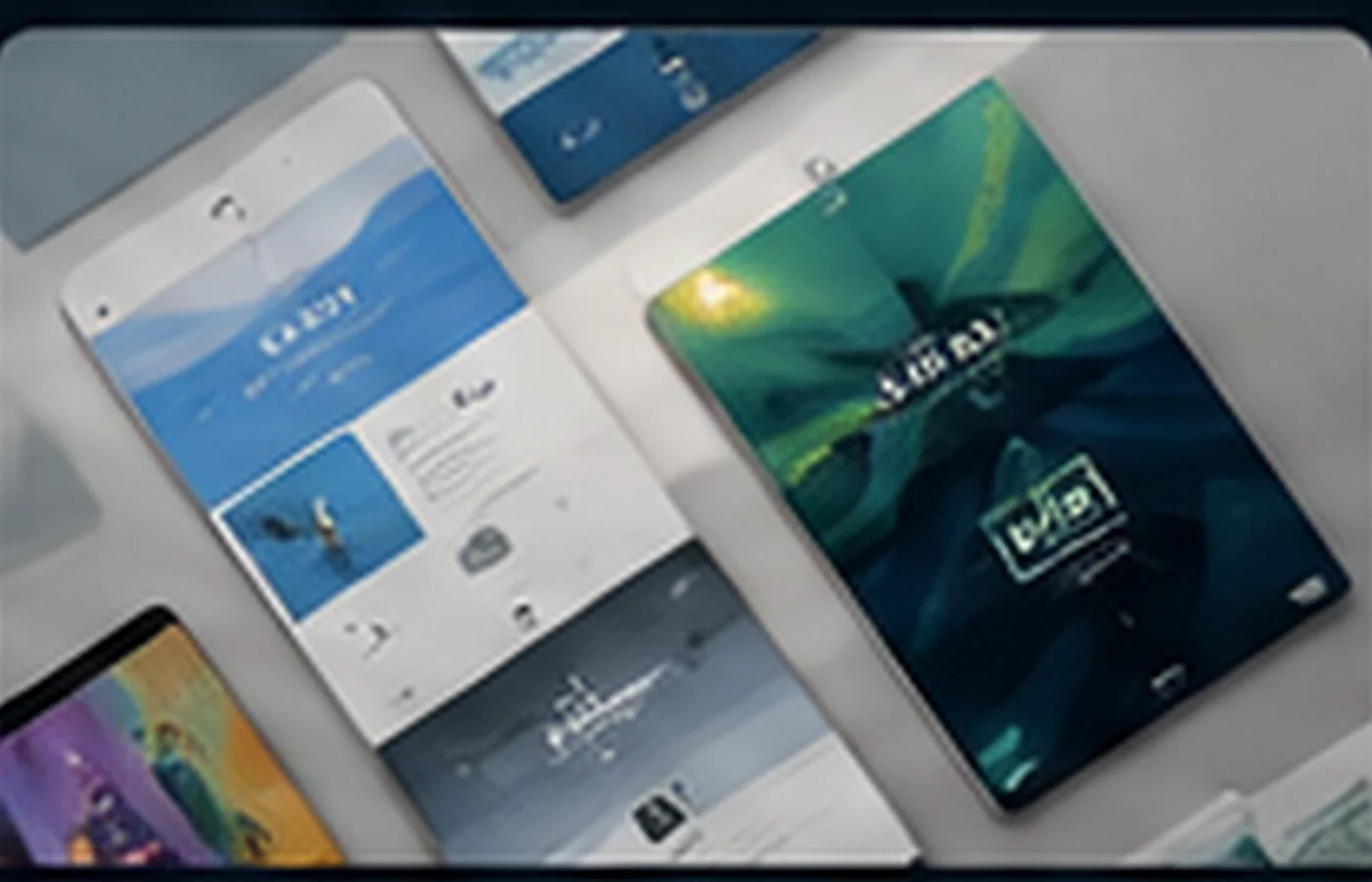
Web work in Photoshop mainly involves designing and preparing visual assets: images, compositions, interface states and advertising formats. HTML and CSS should then be built in appropriate development tools.
Create multiple sizes and states in one organized file.
Align elements and build a readable hierarchy.
Prepare buttons, images, backgrounds and thumbnails.
Create useful crops for mobile, tablet and desktop.
Choose JPEG, PNG, WebP or SVG and balance weight with quality.
Plan contrast, size, safe areas and text alternatives.
Palette, typography, grid, radii, shadows and rules.
Screens, variants, groups, linked objects and naming.
Compositions, thumbnails, icons and states without duplication.
Real dimensions, compression, sharpness and transparency.
Exports, organized folders, previews and integration notes.
Design mobile and large screens from one system
Use Smart Objects for repeated elements
Export only dimensions actually needed
Test weight, contrast and readability
Protect the original, document decisions and produce for the final channel.
Create three artboards with one coherent direction.
Adapt one campaign to multiple ratios.
Prepare welcome imagery, cards and selected states.
It can create mockups, but interactive prototypes are better handled in specialized tools.
It depends on content, transparency, compatibility and compression.
No. Training covers design and assets; code should be developed separately.
Individual, group, school, organization or company: tell us your context.