Camera Raw development
Correct exposure, white balance, dynamic range and noise.
Strong retouching guides attention, protects texture, reinforces atmosphere and prepares the image for its real delivery context.
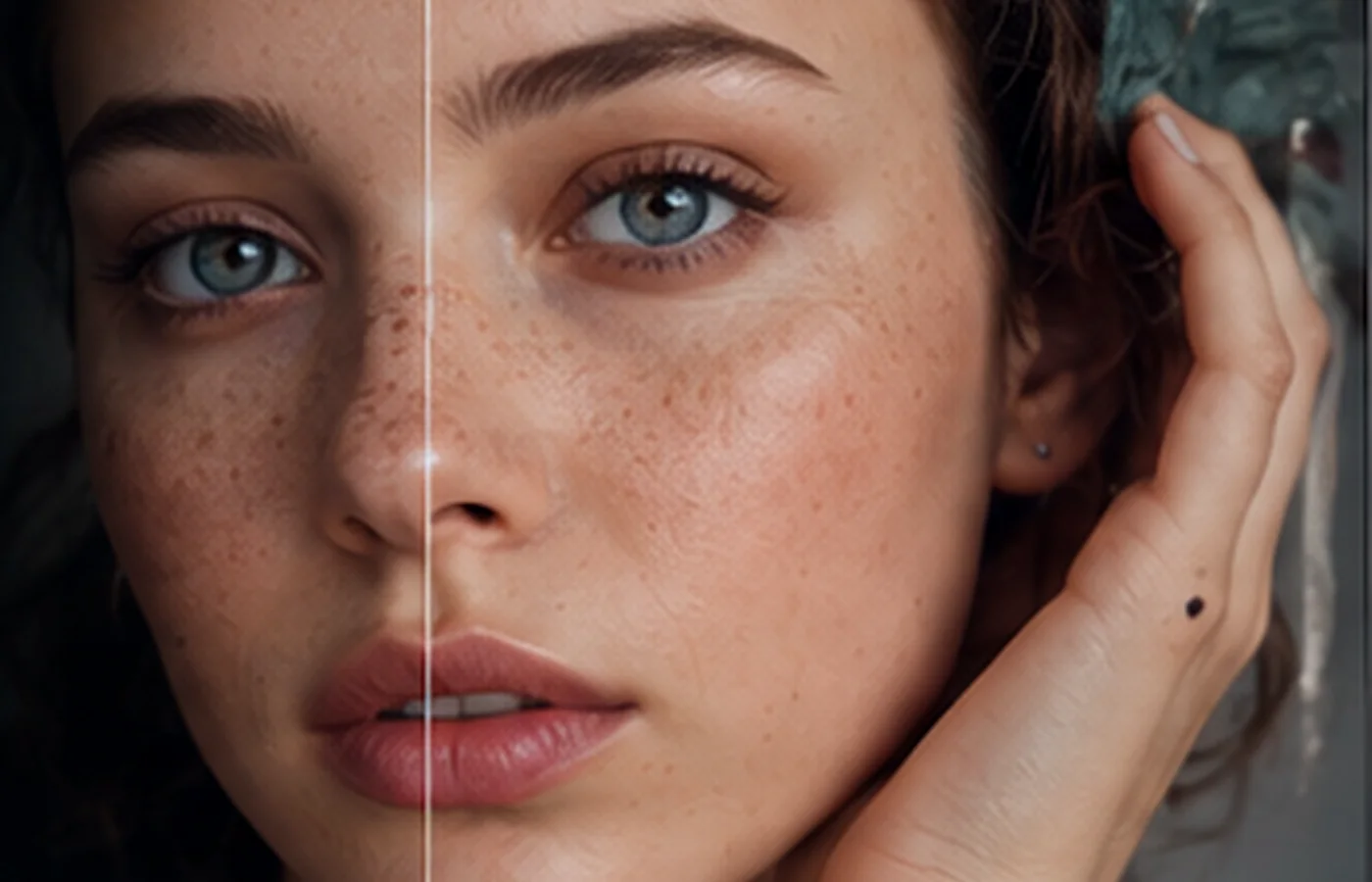
Photo retouching combines global development, local corrections, cleanup, reconstruction, enhancement and output preparation. A professional workflow protects the original and keeps decisions reversible.
Correct exposure, white balance, dynamic range and noise.
Clean with restraint and preserve pores.
Use Healing, Clone, Patch, Content-Aware and Remove tools.
Shape volume and light through gradual corrections.
Balance tones and build a coherent grade.
Prepare high-resolution, web and print-ready versions.
Histogram, white and black points, color cast and priorities.
Camera Raw, profiles, lens corrections and local masks.
Choose the tool based on texture, edges and scale.
Curves, masks, dodge and burn and micro-contrast.
Sharpness, noise, profile, formats and final inspection.
Develop RAW without crushing highlights
Clean on separate layers
Build volume and color through small corrections
Compare before/after and create multiple outputs
Protect the original, document decisions and produce for the final channel.
Refine skin, eyes, hair and light while protecting identity.
Clean surfaces, control reflections and strengthen materials.
Balance sky and ground and prepare a large print.
Often yes; even stylized work should remain coherent.
No. It is one technique and should solve a specific need.
To preserve source information and test directions without starting over.
Individual, group, school, organization or company: tell us your context.