Concept and story
Define the idea, focal point, scale and emotion.
Compositing turns several sources into one coherent image. Perspective, light, color, material and hierarchy must all tell the same story.
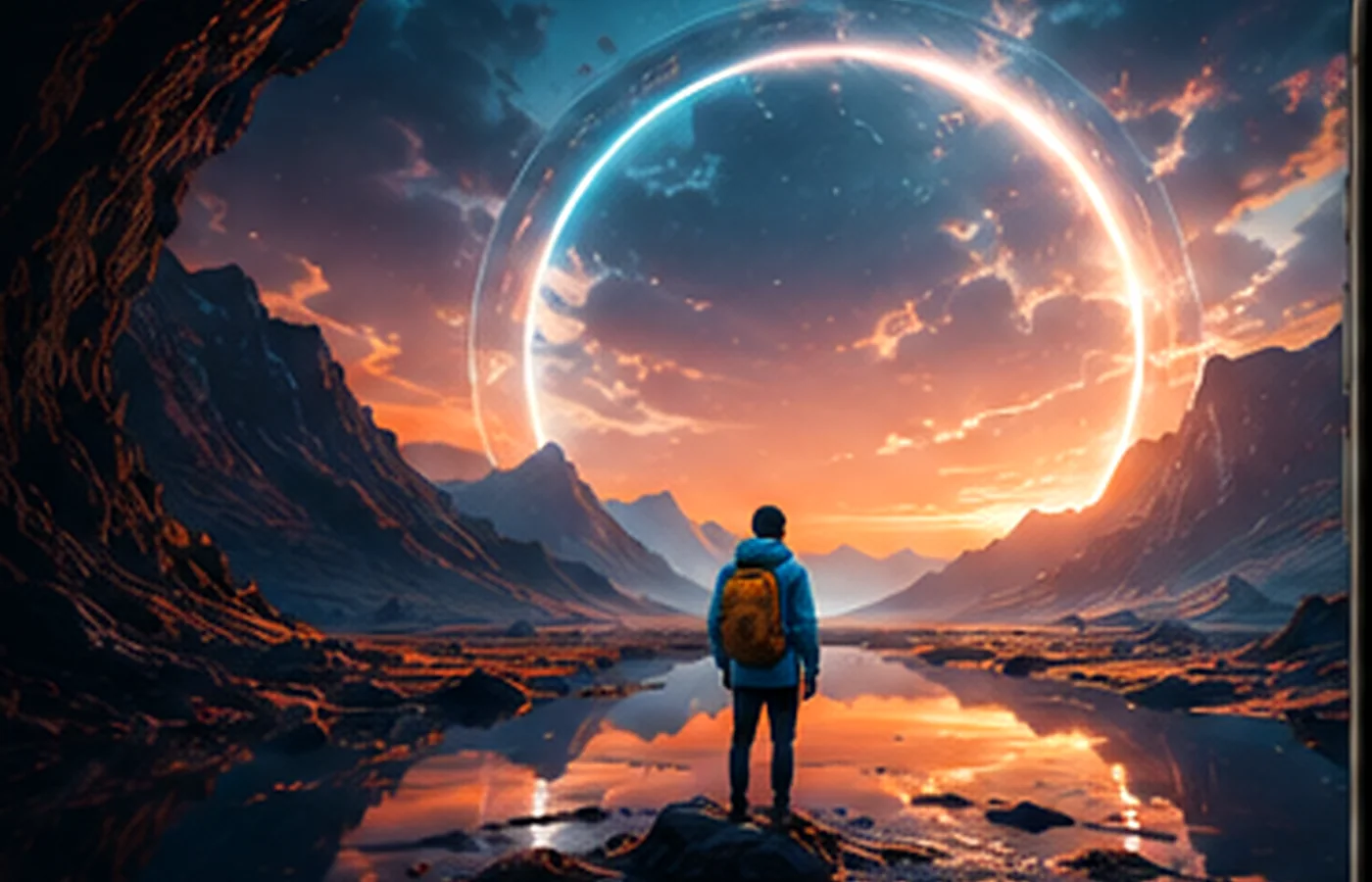
Compositing is the art of combining multiple images or graphic elements into a coherent scene. In Photoshop it relies on precise selections, reversible masks, accurate perspective and unified lighting.
Define the idea, focal point, scale and emotion.
Cut out hair, transparency, materials and mixed edges.
Align horizons, vanishing lines and depth.
Recreate direction, color, shadows and contact light.
Integrate smoke, dust, reflections and materials.
Brush-correct details, add grain and finish color.
Message, format, references, palette and realism level.
Angle, light, resolution, depth of field and licensing.
Masks, Smart Objects, warping, perspective and depth.
Shadows, light, contrast, saturation, sharpness and grain.
Hierarchy, quiet areas, detail and final color.
Thumbnail before adding detail
Choose sources with compatible light and angle
Build from background to foreground
Unify the scene with light, color and grain
Protect the original, document decisions and produce for the final channel.
Create a dramatic scene with subject and typography.
Combine landscape, architecture and atmosphere.
Blend portrait, texture and symbolic elements.
Perspective, light, sharpness or grain is often inconsistent between sources.
No. A clear idea and a few compatible sources are often stronger.
Use groups, clear names, Smart Objects, versions and backups.
Individual, group, school, organization or company: tell us your context.